


In this digital age, sharing personal stories and experiences has become a hallmark of blogging, but it comes with its dangers.
It’s not something I do much, as I prefer to keep my personal life offline. However, I also don’t want to share personal information that anyone could use to scam me, others or steal my identity. Additionally, I don’t want that to happen to anyone who visits or leaves comments on my blog posts.
However, while authenticity can resonate with readers, there can be hidden dangers in revealing too much personal information in blog posts.
1. The Privacy Risks
When you share intimate details about your life, you may inadvertently attract unwanted attention. After all, do you know the identity of everyone who visits your blog? No! And how many of you get unwanted direct messages?
Scammers and trolls are always on the lookout for information that users freely share about themselves online. This could lead to online harassment, being scammed or identity theft, particularly if you disclose sensitive information such as your full name, location, birthdate, or financial details.
I’ve no problem with bloggers announcing it’s their birthday, but when they also disclose their age, I ask myself if they would give out their name and full date of birth to a room full of strangers.
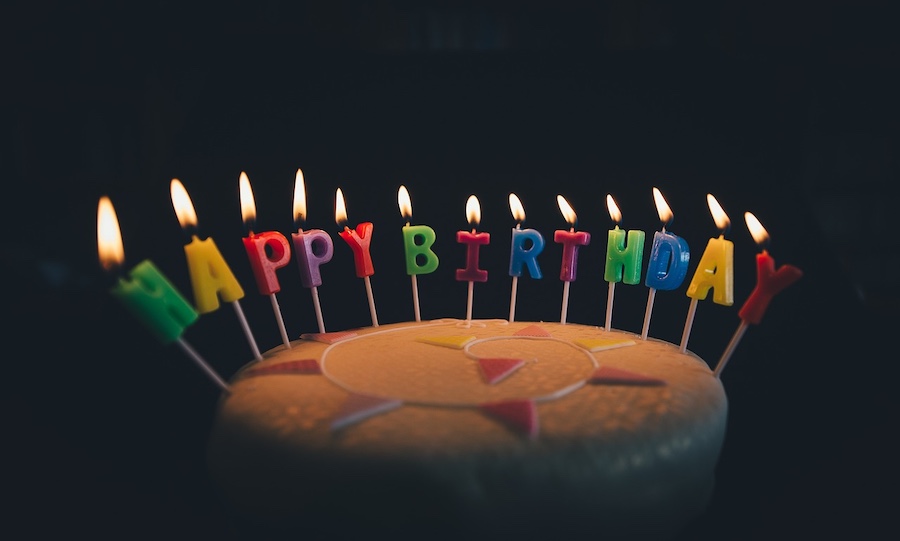
Of course, if they don’t use their real name on their blog, then it’s not a problem; however, some bloggers seem to want to share as many details about themselves as possible online, believing they are only talking to family and friends, when the reality is that many people reading their posts are likely strangers.
Always remember that the internet is a public space, and once information is shared, it can be challenging to retract.
Don’t be tempted. Keep in mind who is reading your posts. Keep your personal details safe.
2. The Professional Consequences
Many bloggers use their platforms to advance their careers, but sharing too much personal information can harm their professional reputation, especially when they leave comments or say things considered discriminatory or hateful towards others. Potential employers or clients may judge you based on your blog and the comments you leave, including those on social media.
I’ve witnessed professional people leave discriminatory comments on various social media platforms, despite their bio listing the name of their employer. It’s important to ensure that your personal narratives align with your professional image. Maintaining professionalism in your blogging and online presence can protect your career and help you present yourself in a positive light.
3. Impact on Relationships
Blogging about personal experiences can impact your relationships, as friends, family, and work colleagues may be uncomfortable with how you portray them. It’s important to seek their consent before sharing their stories and to communicate openly about your blogging intentions to maintain healthy relationships.
If you are considering blogging about personal experiences that affect family, friends or anybody from your past, consider using a pseudonym for those people so that visitors to your blog cannot trace themselves or people they know to what has been said about them.

Also, think about any photos you publish on these kinds of posts and whether they show the identity of the people you are talking about in your posts.
4. Legal Implications
Just because your blog is small, don’t believe that facing legal implications will never happen to you.
While you may be familiar with the defamation laws in your country, they can vary by region. Sharing certain personal details about others without their consent can result in legal action.
Now, I do not want to alarm anyone, but please exercise caution when discussing events or situations that might portray someone in a negative light. Always consider the potential legal implications of your content before publishing it. If you are not happy with it, don’t publish it.
If you want to write and publish a post about another blogger, always ask for their permission first, even if what you want to write is giving them lots of praise. After all, they may not want any praise or be in the limelight.
Ask first, then consider your actions.
5. Images and photos
Be careful with what images or photos you include in blog posts. They may contain personal information about you that you never considered unsafe. For example, I’ve seen pictures on blogs that show a blogger standing by the front door of their home. On the wall next to the door is a number and the name of the street on which they live. Nothing too bad, you may think, but on their ‘about’ page, they inform visitors of the city, town and country where they live. Now, anyone visiting that post and checking their ‘about’ page will have their full home address.
Think before you include any images or photos and ask yourself, ‘Does this reveal any personal information about me or my family that I do not want revealed?’
6. Going away?
If you are taking a break from blogging, there is nothing wrong with informing your readers that you will be away from the blogging world for a while. A simple notice can help maintain transparency and keep your audience informed about any pauses in your content schedule.
However, you do not need to disclose any personal reasons for taking a break to them, especially if it means you are going away; it’s perfectly acceptable to keep the specifics private.
Your readers likely understand that life can get busy. Amid daily activities, it’s essential to communicate concisely while maintaining clarity. However, suppose you have disclosed personal information about your location on your blog (including in photos) and informed readers that you will be away from home for an extended period. In that case, there is a potential for anyone reading the post to know your home is empty.
This can inadvertently expose you to risks, as not only are you sharing your plans, but you are also providing a crucial piece of information that can be misused. This is why it’s vital to exercise discretion when discussing your travel plans publicly; consider omitting specific details about dates and duration to ensure your privacy and security remain intact. Ultimately, while it’s important to engage with your audience and keep them informed, maintaining your home’s safety should always be a priority.
7. Moving Forward
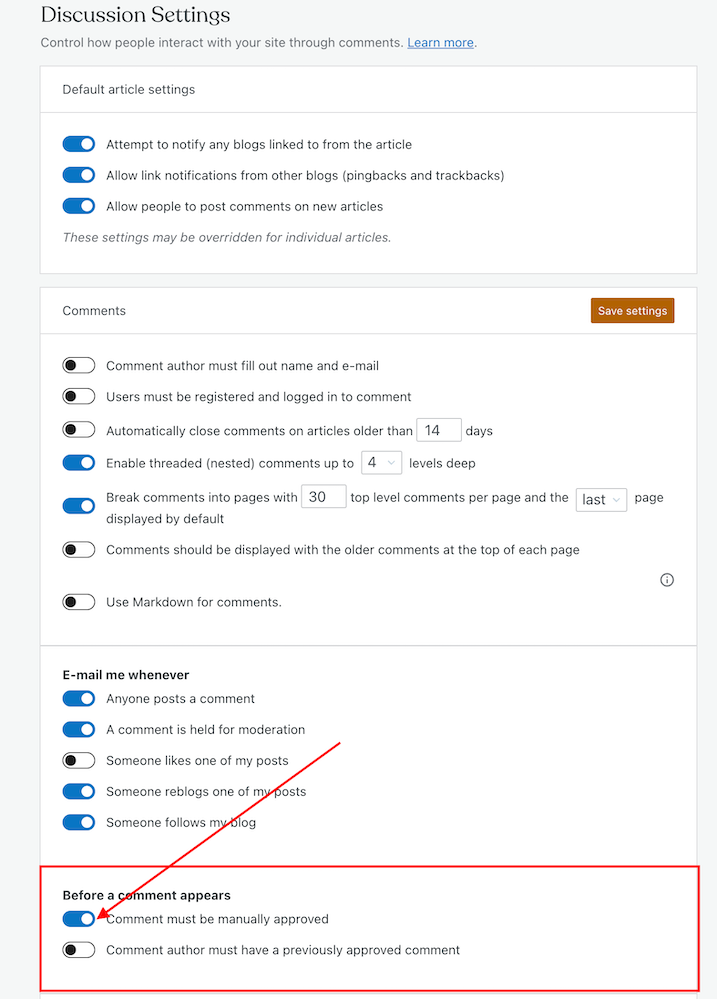
Connecting with your audience is essential, but just as when checking comments on your blog, moderation is key. Share relatable experiences without revealing too much personal information. Consider using pseudonyms or altered details to disguise identities while still sharing relatable stories. Consider the potential consequences of your content before publishing it.
Summary
- Over-sharing personal details can attract unwanted attention and increase the risk of scams, harassment, or identity theft. The internet is public, and once shared, it’s hard to retract information.
- Excessive personal sharing can affect your professional reputation. Employers may judge you based on your blog content, including comments that could be seen as discriminatory.
- Blogging about personal experiences may strain relationships, especially if friends, family or work colleagues are depicted in ways that make them uncomfortable. It’s important to obtain consent and clearly communicate your intentions.
- Even small blogs can face legal consequences for sharing personal information about others without consent. Be cautious when discussing sensitive topics or portraying individuals in a negative light.
- Photographs can inadvertently reveal personal information. Consider whether photos might disclose details about your location or identity before including them in posts.
- Informing readers about breaks is fine, but keep personal reasons private. Avoid sharing details about travel plans that could risk your home security.
- Engage your audience while being mindful of privacy. Use pseudonyms or alter details to protect identities and think through the consequences of your posts.
- While blogging fosters connection, it’s essential to share experiences without compromising privacy or safety. A balanced approach helps maintain your integrity as a blogger.
Are you disclosing too much personal information regarding yourself and your family online, or do you consider what you are disclosing to be safe? What safeguards have you implemented to shield both yourself and your audience from potential scams, identity theft, and unwarranted scrutiny?
The featured image in this blog post is taken from Pixabay. AI checked spelling and grammar mistakes.
I’m getting tough with non-engaging comments. Comments such as ‘Nice post’ are marked as spam.
Click the buttons below to follow Hugh on Social Media
Copyright @ 2025 hughsviewsandnews.com – All rights reserved.



 Hugh's Views & News