
I’ve written about comments a lot over the last few months, so this seems like the ideal opportunity to discuss some problems with commenting on WordPress.
First, I want to discuss a problem with getting email notifications from WordPress whenever comments are left on my blog posts.

I’ve stopped getting email notifications whenever anyone comments on one of my posts, so I have had to revert to checking for new comments on my blog’s dashboard.
It’s not a huge problem, but the email notifications act as a backup, so I know when comments have been left, and they also serve as a reminder that I have comments to respond to. I don’t delete an email notification until I’ve replied to a comment. That way, I don’t miss any.
I reported the problem on the WordPress Forum. That was over two weeks ago, and whilst I’ve had a lot of contact from WordPress staff, the problem is currently with their developers.
Is anybody else having problems getting email notifications of comments left on their blog posts? Or is it just me?
I’ve also reported another issue to WordPress. I’m wondering if any of the following are happening to you when leaving comments on other blogs?
Other problems with commenting.
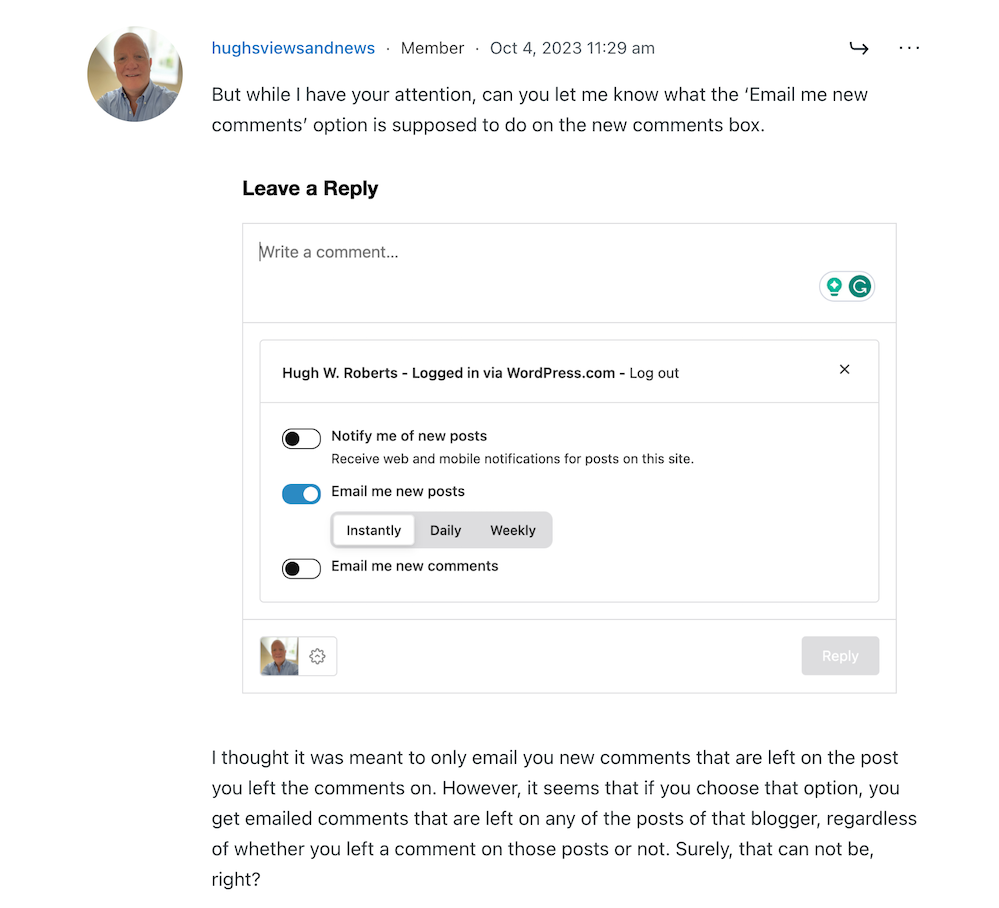
Have you noticed that the comments box on WordPress has changed? The old comments box has been replaced with a new one (see the following image), but it seems to be causing me a few problems.

The above new style comments box has gradually been introduced to most blogs on WordPress.
You can write a comment, press the reply button, and move on pretty swiftly, but my concerns are with something hidden behind the settings (cog) button next to the icon that displays your Gravatar image. When you press the cog, you’ll see this.

See those three new options at the bottom of the comments box? Not only can you now get web and phone notifications of new blog posts from the blog you’re leaving a comment on, but you can set how often you get notifications of new posts.
These are not new, though. They’ve been available for use on WordPress for a long time but were buried deep in our blogs’ dashboard settings. Now, they’re much easier to find and use.
So far, so good, you may think, but it’s the ‘email me new comments‘ button that is causing me concern.
You see, I’m one of those bloggers who like to receive an email whenever anyone replies to a comment I’ve left on their blog or when anyone else leaves a comment on the post I’ve already commented on. It’s my way of knowing that not only have they responded to my comment but also a way for me to either reply to or ‘like’ the comment. I do not like the thought of any blogger thinking I’ve ignored their comment.
The problem now is that when you slide the ‘email me new comments‘ button on, not only do you get emailed comments for the posts you’ve left comments on, but you’ll get email notifications of any comment left on any of the posts on that blog regardless of whether you left a comment or not.
If the blog you’ve left a comment on is huge and gets hundreds of comments, this could become a big problem with your email box filling up quickly.
Needless to say, that is something I do want. I only want email notifications of comments left on the posts I left a comment on. Why? Well, I find that reading comments can sometimes be as interesting as the post they’re left on, plus comments often give me new ideas for blog posts.
I’ve reported the issue to WordPress, and they’ve replied. See the screenshots below. However, I’m not the only one who reported this particular problem.
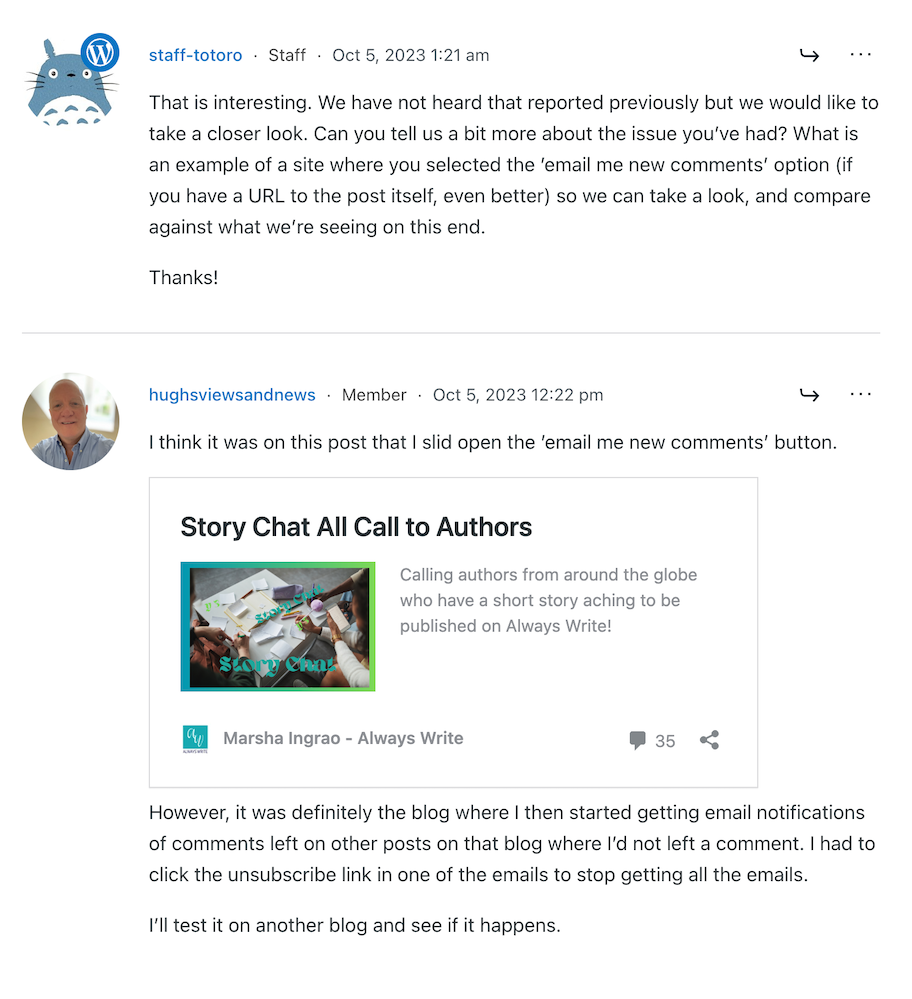
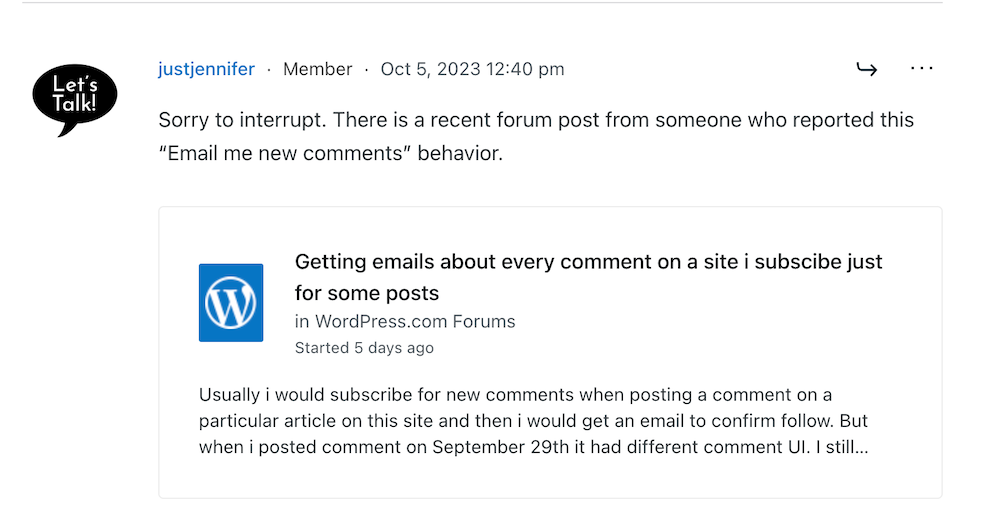

That was the last response from WordPress, but I’ll update this post with any developments.
Some good news – My spam box is empty!
Is it only me, or has anyone else seen a drastic reduction in spam since the new comment box appeared? I used to get hundreds of spam messages to scroll through every day, but now my spam box is empty almost every day – hooray!
So, there is no need to close comments off posts anymore if WordPress has waved a magic wand and stopped the spam once and for all. Hooray – that means I can leave comments on blog posts that are more than a month old.
Are you having any of the problems described in this post or any issues with leaving comments or receiving WordPress notifications as a whole? Has the amount of spam you’re getting plummeted? Let me know in the comments section.
Follow Hugh on Social Media. Click on the links below.
If you enjoyed this post and want more like it, enter your email address and click ‘Subscribe’ to stay up-to-date with my latest content.
Layout, content, settings, and format might differ on self-hosted blogs.
Copyright @ 2024 hughsviewsandnews.com – All rights reserved.
Discover more from Hugh's Views & News
Subscribe to get the latest posts sent to your email.
 Hugh's Views & News
Hi, my problem is about comments in my blog. Visitors leave a comment but I don’t recieve any notification. I am looking everywhere for some solution, I talk with my hosting but they really don’t know.
I have to say that I don’t have this comment box, mine is the old one. Where did you get this one. Thank you for share your experience, I thought I was alone.
I noticed that you said that you contacted the company that hosts your blog, so I take it that your blog is self-hosted? If so, unfortunately, only they will be able to help unless you know somebody who is tech-savvy and who can help sit down with you at the device you use to see if they can fix the problem?
The new comments box automatically appeared on my blog as I’m a WordPress.Com user. I’m sure there will be a plugin you can add to your blog to get it. Again, another question for your hosting provider to help with.
I’m having the same problem commenting on other blogs.
Both of these problems have now been fixed by WordPress. If you’re still experiencing problems with leaving comments on other blogs, please report the problem to WordPress. They won’t know about the problem unless you report it.
This post shows you the ways you can contact WordPress.
I haven’t experienced those issues Hugh (hoping not to have jinxed things now that I’v said that). The problem I get is when I use my iPad to leave a comment – some blogs will simply not allow me to submit. I can write the comment, fill in the required name/site name etc but when I hit the submit button, nothing happens.
I came across a blog like that recently, Karen. Then I noticed that at the bottom of the blog, there was a terms and conditions clause I had to tick a box next too. Once I did that, my comment went through.
I’d recommend you inform bloggers if you’re unable to leave comments on their blogs. They may have an answer, although if they can’t help, it’s one to report to WordPress.