
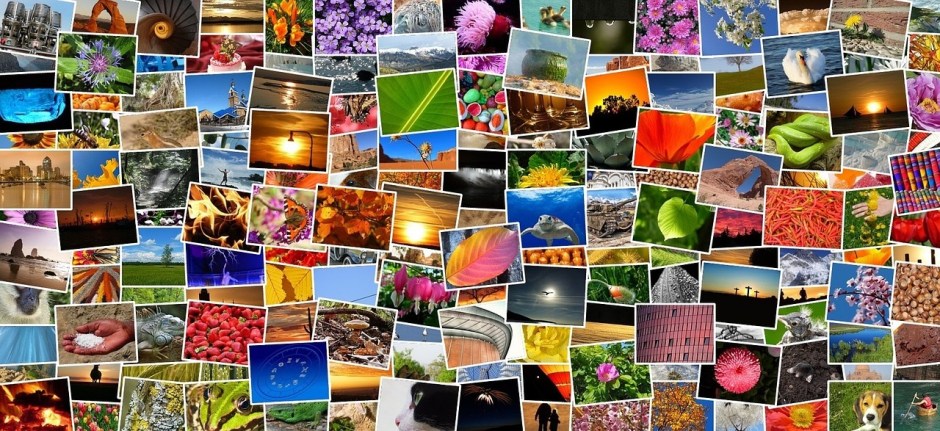
What answers would you provide if I asked you what alt-text means and what advantages it offers to bloggers?
What is alt-text, and why is it important?
Alt-Text (short for alternative text) is a commonly used term. It is essential to include it in posts that contain pictures, images or photographs. This unsung hero of the digital world ensures that everyone can access and benefit from the images included in your blog posts.
Blog posts that contain images, pictures, or photos attract, on average, 70% more traffic and clicks than those that do not. However, how many bloggers include alt-text information for these images, pictures, and photos? Unfortunately, the answer is not many. Furthermore, bloggers who fail to add alt-text to the images in their posts are missing out on providing some visitors with additional and important information.
Alt-Text assists those with vision impairments understand the content of the images and photos used in your blog post. Without it, they would be unaware, potentially missing out on crucial information. Imagine you’re showing off a brand new cover for your next book and don’t add alt-text to the image. They won’t have any idea what that new book-cover looks like. But that’s not all.
Utilising alt-text enhances your blog’s SEO rankings and helps search engines understand the content of your images. How will search engines determine what your pictures depict if no information is provided?
Search engine crawlers extract several key details from an image, including its file name, captions, title, and alt-text. When these details are absent, the post containing the images is ranked significantly lower. Visitors using a screen reader or other devices that inform them of the image’s content will remain unaware of what those images depict.
How to write alt-text.
When writing alt-text, keep it descriptive and straightforward—ensure it aligns with the content on the page. Include some keywords where appropriate, but avoid overdoing it. Keyword stuffing is not advisable, as it disrupts the user experience and can lead search engines to consider your site spam. Trust me, you don’t want that!
But where and how should you add alt text to your images, photographs, and pictures?
How to add alt-text to your images, photos, and pictures.
- Click on the image you have uploaded to the media library.
- On the right-hand side, you will see several boxes to which you need to add information.
- Alternative Text – In this box, add information that describes what is in the image.
- Title – Give the image a title.
- Caption — Add a caption to the image, although you don’t need to if it’s unnecessary.
- Description — Describe what’s in the image. You can use the same information you added for alternative text if you like.
- File URL – This information will already be populated.
Here’s an example from my media library for the following photo.
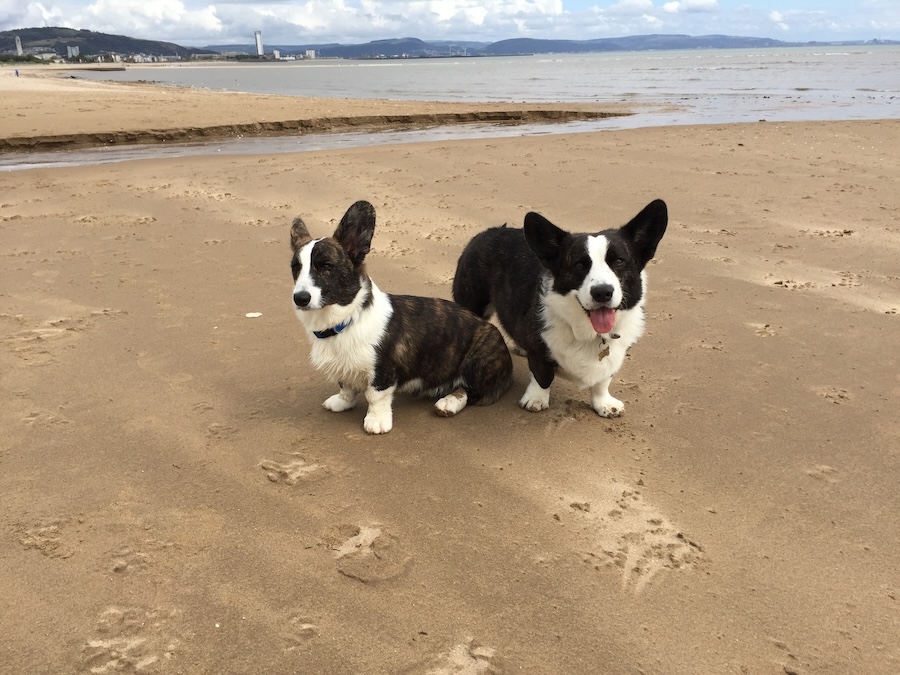
- Here are the details of the alt-text and information I added to the photo.

The next time you add an image, photo, or picture to your blog post, don’t just add the image and run. Make sure you include the details outlined in this post.
Summary
- Alt-Text, or alternative text, is crucial for bloggers who include images in their posts.
- It enhances accessibility for those with vision impairments, ensuring they understand the content represented in images.
- Additionally, it plays a significant role in improving SEO rankings by helping search engines identify image content.
- Despite these advantages, many bloggers neglect to add alt-text to their images, missing out on valuable audience engagement and search engine visibility.
- To effectively write alt-text, it should be descriptive, straightforward, and relevant to the content, with a mindful inclusion of keywords.
- Bloggers can easily add alt-text by accessing the media library and providing a title, caption, and description of the images.
- Overall, including alt-text enhances the user experience and optimises blog performance.
Do you add alt-text and other details to the images and photos included in your blog posts? If not, what’s holding you back?
The featured image in this blog post is taken from Pixabay. AI checked spelling and grammar mistakes.
I’m getting tough with non-engaging comments. Comments such as ‘Nice post’ are marked as spam.
Layout, content, settings, and format might differ on self-hosted blogs.
Click the buttons below to follow Hugh on Social Media
Copyright @ 2025 hughsviewsandnews.com – All rights reserved.
 Hugh's Views & News